User manualபயனர் கையேடு · Getting startedதொடங்குவது எப்படி
Sign inஉள்நுழை (Sign in)
Sign in to Office with your mobile number or email, choose a company, and wait while your books load.மொபைல் எண் அல்லது மின்னஞ்சல் மூலம் Office-இல் உள்நுழைந்து, நிறுவனத்தைத் தேர்ந்தெடுத்து, உங்கள் கணக்குகள் ஏறும் வரை காத்திருங்க.
- Where to find itஎங்கே இருக்கிறது
- Getting started → Sign in
- Who uses itயார் பயன்படுத்துவார்கள்
- Everyoneஎல்லோரும்
You sign in to Office with your mobile number and a one-time code, or with an email and password. Then you choose the company you want to work on.
Sign in with your mobile number
- Open Office. The sign-in screen shows two tabs: Sign in and Start free. Stay on Sign in.
- Type your number in Mobile number.
- Press Get OTP. A 6-digit code comes by SMS from STKFLW.
- Type the code and press Verify and sign in.
If the code does not come, wait for the timer and press Resend code. To fix a wrong number, press Change number.
Sign in with email
- On the sign-in screen, press Sign in with email instead.
- Fill in Email and Password.
- Press Sign in.
If you forgot the password, type your email and press Forgot password. A reset link goes to that email. Press Use mobile number to go back.
Choose a company
After sign-in, Office opens a company for you:
- If you belong to one company, it opens straight away.
- If you belong to several, it opens the last one you used on this device.
- Otherwise you see Which business are you working on today? with a list of your companies. Under each name is your role there. Click a company to open it.
On this screen you can also press Add another business to set up a new company, or Sign out.
If you belong to more than one company, you can change company later. Click the company name at the top left, or use Switch company in the menu under your initial at the top right.
While it loads
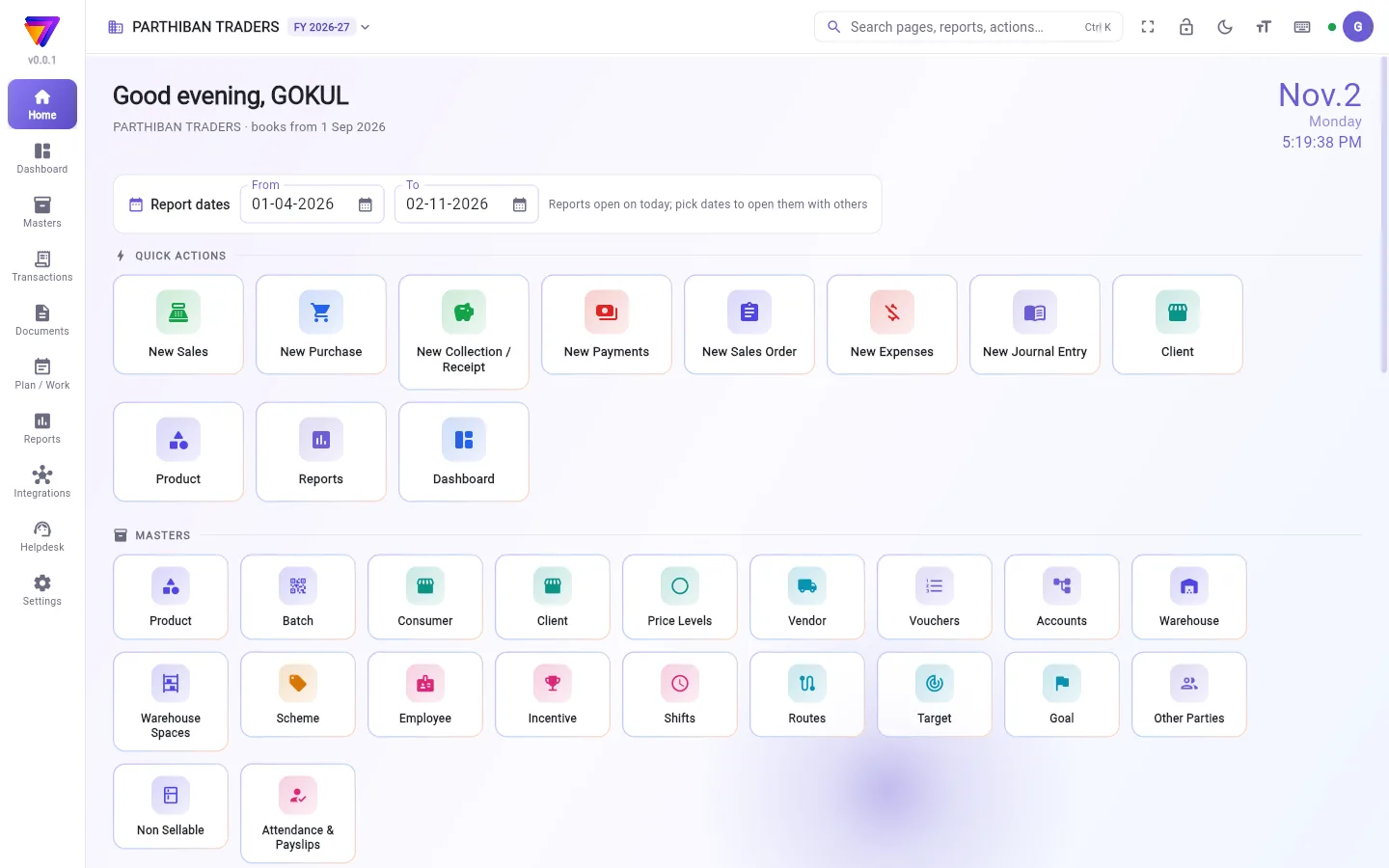
A loading screen shows the Stockflow logo and messages such as Opening your books… and Loading products and parties…. Then Office opens on the Dashboard if your role can see it. If not, it opens on Home.
Right after you sign in, a Before you start pop-up may show purchase bills due and products running low. See Home.
Start a new business
- On the sign-in screen, choose Start free.
- Enter your mobile number, press Get OTP and start free, then Verify and set up my business.
- Step 1: fill in Your name.
- Step 2: fill in Business name, GSTIN (optional), State, Business phone and Address (printed on bills).
- Step 3: set Books begin on. This is usually 1 April. Balances from before this date go in as opening balances.
- Press Start my 30-day trial.
Stockflow sets up your chart of accounts, bill numbering, a main godown and the standard roles. You get 30 days of the Enterprise plan with every module on.
Good to know
- If someone invited your email or mobile number, you join their company the first time you sign in with it.
- If the owner removes you, you see You are no longer a member of this company.
- Sign out forgets the last company on this device.
Related
- The apps: Office and Score
- Finding your way: the left menu and top bar
- Plans and roles: what the trial and each plan include
உங்கள் மொபைல் எண்ணும் ஒருமுறைக் குறியீடும் (OTP) கொண்டு, அல்லது மின்னஞ்சலும் கடவுச்சொல்லும் கொண்டு Office-இல் உள்நுழையலாம். பிறகு வேலை செய்ய வேண்டிய நிறுவனத்தைத் தேர்ந்தெடுங்க.
மொபைல் எண் மூலம் உள்நுழைவது
- Office-ஐத் திறங்க. உள்நுழைவுத் திரையில் இரண்டு தாவல்கள் தெரியும்: உள்நுழை (Sign in), இலவசமாகத் தொடங்கு (Start free). உள்நுழை (Sign in)-இலேயே இருங்க.
- மொபைல் எண் (Mobile number)-இல் உங்கள் எண்ணைத் தட்டச்சு செய்யுங்க.
- OTP பெறு (Get OTP) அழுத்துங்க. STKFLW-இடமிருந்து 6 இலக்கக் குறியீடு SMS-இல் வரும்.
- குறியீட்டைத் தட்டச்சு செய்து சரிபார்த்து உள்நுழை (Verify and sign in) அழுத்துங்க.
குறியீடு வரவில்லை என்றால், டைமர் முடியும் வரை காத்திருந்து குறியீட்டை மீண்டும் அனுப்பு (Resend code) அழுத்துங்க. எண் தவறாக இருந்தால் எண்ணை மாற்று (Change number) அழுத்துங்க.
மின்னஞ்சல் மூலம் உள்நுழைவது
- உள்நுழைவுத் திரையில் மின்னஞ்சல் மூலம் உள்நுழை (Sign in with email instead) அழுத்துங்க.
- மின்னஞ்சல் (Email), கடவுச்சொல் (Password) நிரப்புங்க.
- உள்நுழை (Sign in) அழுத்துங்க.
கடவுச்சொல் மறந்துவிட்டால், மின்னஞ்சலைத் தட்டச்சு செய்து கடவுச்சொல் மறந்துவிட்டதா? (Forgot password) அழுத்துங்க. அந்த மின்னஞ்சலுக்கு மீட்டமைப்பு இணைப்பு (reset link) போகும். திரும்பிப் போக மொபைல் எண்ணைப் பயன்படுத்து (Use mobile number) அழுத்துங்க.
நிறுவனத்தைத் தேர்ந்தெடுப்பது
உள்நுழைந்த பிறகு, Office உங்களுக்காக ஒரு நிறுவனத்தைத் திறக்கும்:
- நீங்கள் ஒரே நிறுவனத்தில் இருந்தால், அது உடனே திறக்கும்.
- பல நிறுவனங்களில் இருந்தால், இந்தச் சாதனத்தில் கடைசியாகப் பயன்படுத்தியது திறக்கும்.
- இல்லையென்றால் இன்று எந்தத் தொழிலில் வேலை செய்கிறீர்கள்? (Which business are you working on today?) என்று உங்கள் நிறுவனங்களின் பட்டியலுடன் தெரியும். ஒவ்வொரு பெயரின் கீழும் அங்கே உங்கள் பொறுப்பு இருக்கும். திறக்க ஒரு நிறுவனத்தைக் கிளிக் செய்யுங்க.
இந்தத் திரையில் புதிய நிறுவனத்தை அமைக்க இன்னொரு தொழிலைச் சேர் (Add another business), அல்லது வெளியேறு (Sign out) அழுத்தலாம்.
ஒன்றுக்கு மேற்பட்ட நிறுவனங்களில் இருந்தால், பிறகும் நிறுவனத்தை மாற்றலாம். மேல் இடதுபுறம் நிறுவனப் பெயரைக் கிளிக் செய்யுங்க, அல்லது மேல் வலதுபுறம் உங்கள் முதல் எழுத்தின் கீழ் உள்ள மெனுவில் நிறுவனத்தை மாற்று (Switch company) பயன்படுத்துங்க.
ஏறும் வரை
ஏற்றும் திரையில் Stockflow லோகோவும், உங்கள் கணக்குகளைத் திறக்கிறது… (Opening your books…), பொருட்கள், தரப்பினரை ஏற்றுகிறது… (Loading products and parties…) போன்ற செய்திகளும் தெரியும். பிறகு, உங்கள் பொறுப்புக்கு அனுமதி இருந்தால் Office டாஷ்போர்டு (Dashboard)-இல் திறக்கும். இல்லையென்றால் முகப்பு (Home)-இல் திறக்கும்.
உள்நுழைந்தவுடன், செலுத்த வேண்டிய கொள்முதல் பில்களையும் குறைந்துவரும் பொருட்களையும் காட்டும் தொடங்கும் முன் (Before you start) பாப்-அப் வரலாம். பார்க்க: முகப்பு.
புதிய தொழிலைத் தொடங்குவது
- உள்நுழைவுத் திரையில் இலவசமாகத் தொடங்கு (Start free) தேர்ந்தெடுங்க.
- மொபைல் எண்ணை உள்ளிட்டு, OTP பெற்று இலவசமாகத் தொடங்கு (Get OTP and start free) அழுத்துங்க, பிறகு சரிபார்த்து என் தொழிலை அமை (Verify and set up my business).
- படி 1: உங்கள் பெயர் (Your name) நிரப்புங்க.
- படி 2: தொழில் பெயர் (Business name), GSTIN (விருப்பம்) (GSTIN (optional)), மாநிலம் (State), தொழில் தொலைபேசி (Business phone), முகவரி (பில்களில் அச்சாகும்) (Address (printed on bills)) நிரப்புங்க.
- படி 3: கணக்குகள் தொடங்கும் நாள் (Books begin on) அமையுங்க. இது பொதுவாக ஏப்ரல் 1. இந்தத் தேதிக்கு முந்தைய இருப்புகள் தொடக்க இருப்புகளாகச் சேரும்.
- என் 30 நாள் சோதனையைத் தொடங்கு (Start my 30-day trial) அழுத்துங்க.
Stockflow உங்கள் கணக்கு அட்டவணை (chart of accounts), பில் எண்ணிடல், ஒரு முதன்மைக் கிடங்கு, வழக்கமான பொறுப்புகள் எல்லாவற்றையும் அமைக்கும். எல்லா மாட்யூல்களும் இயங்கும் என்டர்பிரைஸ் (Enterprise) பிளான் 30 நாள் கிடைக்கும்.
தெரிந்துகொள்ள வேண்டியது
- யாராவது உங்கள் மின்னஞ்சலையோ மொபைல் எண்ணையோ அழைத்திருந்தால், அதைக் கொண்டு முதல் முறை உள்நுழையும்போது அவர்கள் நிறுவனத்தில் சேர்வீங்க.
- உரிமையாளர் உங்களை நீக்கினால், நீங்கள் இனி இந்த நிறுவனத்தின் உறுப்பினர் அல்ல. (You are no longer a member of this company.) என்று தெரியும்.
- வெளியேறு (Sign out) செய்தால், இந்தச் சாதனம் கடைசி நிறுவனத்தை மறந்துவிடும்.
தொடர்புடையவை
- இரண்டு செயலிகள்: Office, Score
- வழி கண்டறிதல்: இடது மெனுவும் மேல் பட்டையும்
- திட்டங்களும் பொறுப்புகளும்: சோதனைக் காலத்திலும் ஒவ்வொரு திட்டத்திலும் என்ன உண்டு