User manualபயனர் கையேடு · Office: DocumentsOffice: ஆவணங்கள் (Documents)
Complianceஇணக்கம் (Compliance)
Keep your licences and filings in one list, with their numbers and the date each one runs out or falls due.உங்கள் உரிமங்களையும் தாக்கல்களையும், அவற்றின் எண்கள், ஒவ்வொன்றும் காலாவதியாகும் அல்லது கட்ட வேண்டிய தேதியுடன் ஒரே பட்டியலில் வையுங்க.
- Where to find itஎங்கே இருக்கிறது
- Office → Documents → Compliance
- Who uses itயார் பயன்படுத்துவார்கள்
- Owner, accountantஉரிமையாளர், கணக்காளர்
Compliance is a list of your licences and filings, such as an FSSAI licence, a drug licence or a GST return. It keeps each number and its valid-till or due date in one place.
What you see
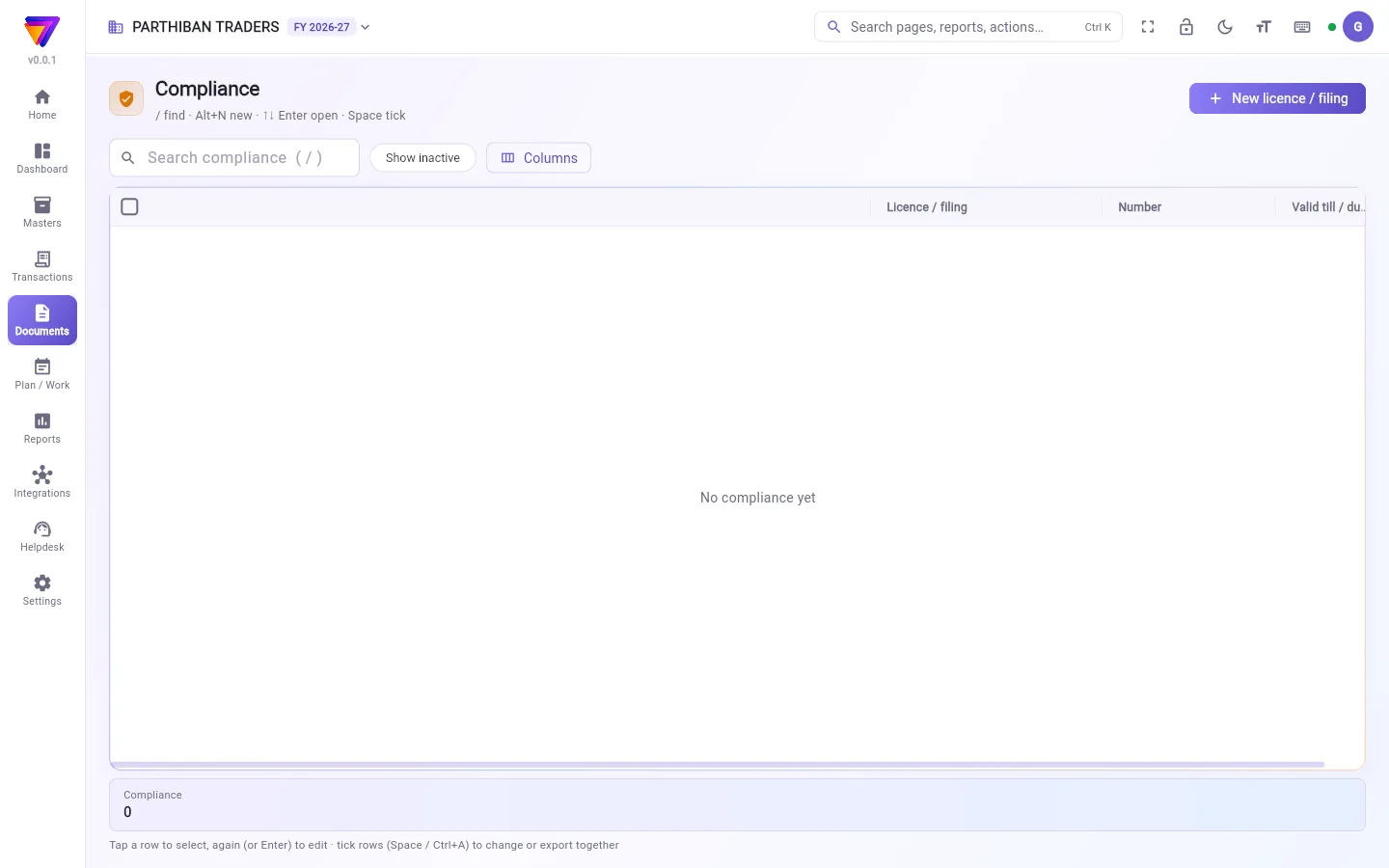
The list shows Licence / filing, Number and Valid till / due on. Search with Search compliance. Tap Show inactive to see records you made inactive. Use Columns to choose what shows.
Add a licence or filing
- Click New licence / filing.
- In Licence / filing, type what it is, for example "FSSAI licence".
- Type the Number.
- Set Issued on and Valid till / due on.
- Add Notes if needed.
- Click Add licence / filing. To add another straight away, click Save & new.
Fields
| Field | What to enter |
|---|---|
| Licence / filing | The name of the licence or the filing. Required. |
| Number | The licence or registration number. |
| Issued on | The date it was issued. |
| Valid till / due on | The date it runs out, or the date the filing is due. |
| Remind days before | How many days before that date you want to be reminded. It starts at 15. |
| Notes | Anything else, such as where the paper copy is kept. |
Change a record
- Click the row to select it, then click it again (or press Enter).
- Change what you need, for example the new Valid till / due on after a renewal.
- Click Save.
To hide or bring back many at once, tick them. Then click Make inactive or Make active.
Who can do what
- Owner and Admin can add and change records.
- The Viewer / Auditor role can see them.
Good to know
- Available on the Pro plan and above.
- Remind days before is saved with the record, but this version of the app does not send a reminder from it. Check Valid till / due on yourself.
- Records cannot be deleted. Make one inactive to hide it.
- Compliance records do not touch your books.
Related
இணக்கம் என்பது உங்கள் உரிமங்கள், தாக்கல்களின் பட்டியல், உதாரணமாக FSSAI உரிமம், மருந்து உரிமம் அல்லது GST ரிட்டர்ன். ஒவ்வொன்றின் எண்ணும், செல்லுபடி தேதி அல்லது கடைசி தேதியும் ஒரே இடத்தில் இருக்கும்.
திரையில் என்ன தெரியும்
பட்டியலில் உரிமம் / தாக்கல் (Licence / filing), எண் (Number), செல்லுபடி வரை / கடைசி தேதி (Valid till / due on) தெரியும். Search compliance (இணக்கம் தேட) பெட்டியில் தேடுங்க. செயலற்றதாக்கிய பதிவுகளைப் பார்க்க செயலற்றவற்றையும் காட்டு (Show inactive) தட்டுங்க. எதைக் காட்ட வேண்டும் என்று தேர்ந்தெடுக்க நெடுவரிசைகள் (Columns) பயன்படுத்துங்க.
உரிமம் அல்லது தாக்கல் சேர்ப்பது
- புதிய உரிமம் / தாக்கல் (New licence / filing) கிளிக் செய்யுங்க.
- உரிமம் / தாக்கல் (Licence / filing)-இல் அது என்ன என்று டைப் செய்யுங்க, உதாரணமாக "FSSAI உரிமம்".
- எண் (Number) டைப் செய்யுங்க.
- வழங்கிய தேதி (Issued on), செல்லுபடி வரை / கடைசி தேதி (Valid till / due on) அமையுங்க.
- தேவைப்பட்டால் குறிப்புகள் (Notes) சேருங்க.
- உரிமம் / தாக்கல் சேர் (Add licence / filing) கிளிக் செய்யுங்க. உடனே இன்னொன்று சேர்க்க சேமித்து புதியது (Save & new) கிளிக் செய்யுங்க.
புலங்கள் (Fields)
| புலம் | என்ன போட வேண்டும் |
|---|---|
| உரிமம் / தாக்கல் (Licence / filing) | உரிமத்தின் அல்லது தாக்கலின் பெயர். கட்டாயம். |
| எண் (Number) | உரிம எண் அல்லது பதிவு எண். |
| வழங்கிய தேதி (Issued on) | அது வழங்கப்பட்ட தேதி. |
| செல்லுபடி வரை / கடைசி தேதி (Valid till / due on) | அது காலாவதியாகும் தேதி, அல்லது தாக்கல் செய்ய வேண்டிய கடைசி தேதி. |
| எத்தனை நாள் முன் நினைவூட்ட (Remind days before) | அந்தத் தேதிக்கு எத்தனை நாள் முன்பு நினைவூட்ட வேண்டும். 15-இல் தொடங்கும். |
| குறிப்புகள் (Notes) | மற்ற எதுவும், உதாரணமாக காகித நகல் எங்கே வைத்திருக்கிறீர்கள். |
பதிவை மாற்றுவது
- வரிசையைத் தேர்ந்தெடுக்க ஒருமுறை கிளிக் செய்து, மீண்டும் கிளிக் செய்யுங்க (அல்லது Enter அழுத்துங்க).
- தேவையானதை மாற்றுங்க, உதாரணமாக புதுப்பித்த பிறகு புதிய செல்லுபடி வரை / கடைசி தேதி (Valid till / due on).
- சேமி (Save) கிளிக் செய்யுங்க.
பலவற்றை ஒரே நேரத்தில் மறைக்க அல்லது மீண்டும் கொண்டுவர, அவற்றை டிக் செய்யுங்க. பிறகு செயலற்றதாக்கு (Make inactive) அல்லது செயலில் ஆக்கு (Make active) கிளிக் செய்யுங்க.
யார் என்ன செய்யலாம்
- உரிமையாளர், நிர்வாகி (Owner, Admin) பதிவுகளைச் சேர்க்கலாம், மாற்றலாம்.
- பார்வையாளர் / தணிக்கையாளர் (Viewer / Auditor) பொறுப்பு அவற்றைப் பார்க்கலாம்.
தெரிந்துகொள்ள வேண்டியது
- Pro பிளானிலும் அதற்கு மேலும் கிடைக்கும்.
- எத்தனை நாள் முன் நினைவூட்ட (Remind days before) பதிவுடன் சேமிக்கப்படும், ஆனால் இந்தப் பதிப்பில் செயலி அதைக் கொண்டு நினைவூட்டல் அனுப்பாது. செல்லுபடி வரை / கடைசி தேதி (Valid till / due on)-ஐ நீங்களே சரிபாருங்க.
- பதிவுகளை நீக்க முடியாது. மறைக்க, செயலற்றதாக்குங்க.
- இணக்கப் பதிவுகள் உங்கள் கணக்குகளைத் தொடாது.
தொடர்புடையவை
- ஒப்பந்தம் (Agreement): தேதிகள், நிபந்தனைகளுடன் உங்கள் ஒப்பந்தங்கள்.
- நிறுவனம் (Company): உங்கள் GSTIN, மற்ற நிறுவன விவரங்கள்.